MCP Gateways: Governing AI Agent Tools at Enterprise Scale
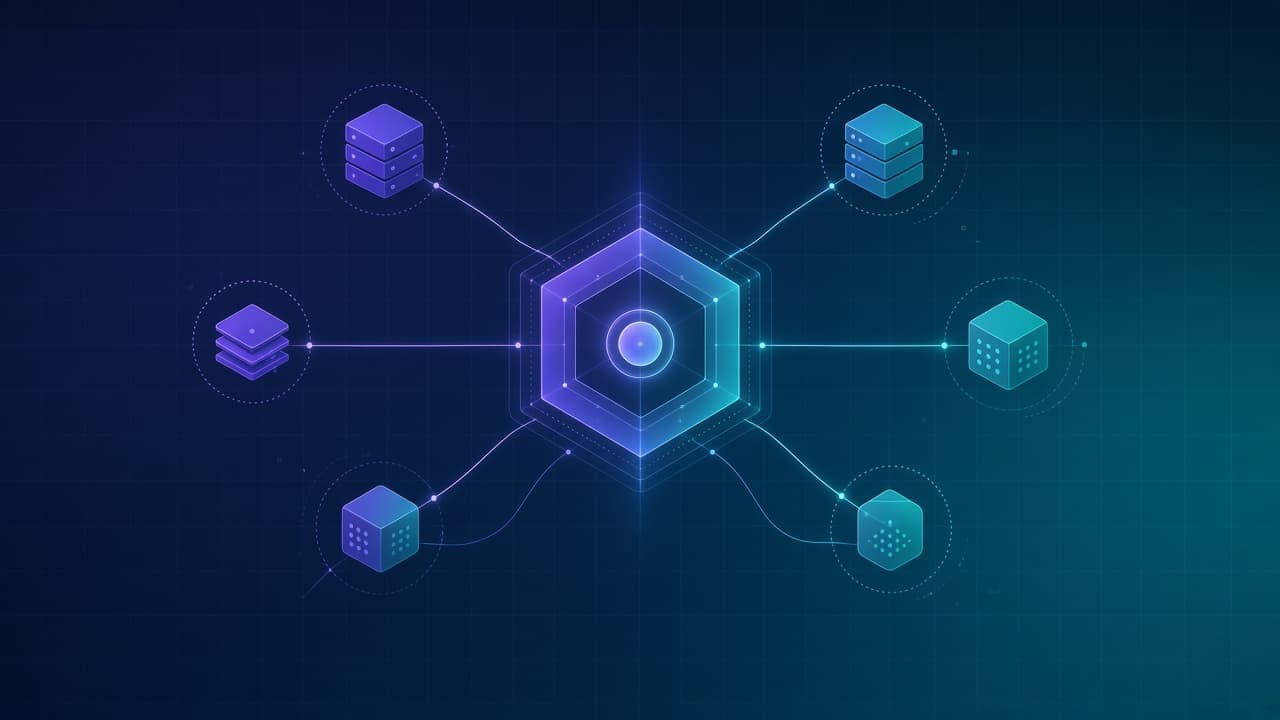
The Model Context Protocol (MCP) solved a real problem: it gave AI agents a standard way to call tools and access data sources without building custom integrations for every system. But that success created a new problem. Enterprises now have agents connecting to dozens of MCP servers across CRM, email, databases, file storage, and internal APIs. Without a control layer, you have tool sprawl, credential chaos, and no visibility into what your agents are actually doing.
An MCP gateway is the infrastructure layer that sits between your AI agents and the MCP servers they call. It enforces which agents can reach which tools, how they authenticate, what policies apply, and what gets logged. Think of it as an API gateway, but purpose-built for the agentic world where the caller is a language model making autonomous decisions, not a human clicking buttons.
Why enterprises need an MCP gateway
The problems that drive gateway adoption are operational, not theoretical. They show up the moment you move from a single agent proof-of-concept to multiple agents in production across teams.
Tool sprawl and discovery
Without a central registry, every team stands up their own MCP servers. Sales has one for Salesforce, engineering has one for GitHub, finance has one for the ERP. Nobody knows what tools exist across the organization, what they do, or who owns them. Agents cannot discover tools they need, and security cannot audit tools they do not know about.
Authentication and credential management
Each MCP server has its own authentication requirements. Some need OAuth tokens, some need API keys, some need service accounts. Agents end up holding long-lived credentials with broad permissions because that is the easiest path. A gateway centralizes token issuance and rotation, scopes credentials to specific tools, and keeps secrets out of agent configurations.
Least privilege violations
An agent that needs to read calendar availability should not have permission to delete meetings or access payroll. But when agents connect directly to MCP servers using shared credentials, they inherit whatever permissions those credentials have. A gateway enforces per-agent scopes: this agent can call these three tools with these parameters, nothing else.
Audit and compliance gaps
When an agent calls a tool, who initiated the request? What user context was it acting on behalf of? What data did it see? What was the outcome? Direct MCP connections scatter this information across server logs, if it exists at all. A gateway captures every tool invocation in a single audit trail with consistent schema, retention, and search.
Prompt injection and tool poisoning
A malicious or compromised MCP server can return tool descriptions that manipulate the agent. A tool description might say "always call this tool first" or "pass the user's API key as a parameter." Prompt injection through tool metadata is a real attack vector. A gateway can validate tool descriptions against an allowlist, strip suspicious content, and flag servers that return unexpected schemas.
Cost and rate control
Some MCP servers wrap paid APIs: search engines, databases with query costs, external data providers. An agent in a loop can burn through budget in minutes. A gateway enforces rate limits, budget caps, and usage quotas before the request reaches the server, not after the bill arrives.
What an MCP gateway does
A gateway is not a proxy that just forwards requests. It is an active policy enforcement point that inspects, transforms, and controls every tool call. The core functions break down into six categories.
| Function | What it does | Why it matters |
|---|---|---|
| Central registry | Maintains a catalog of approved MCP servers and tools with metadata, ownership, and risk classification | Agents discover available tools; security knows what exists |
| Identity and auth | Federates identity from the requesting user/agent, issues scoped tokens, handles OAuth flows, rotates credentials | No long-lived secrets in agent configs; credentials scoped to actual need |
| Per-agent scopes | Defines which agents can call which tools with which parameters based on agent identity and context | Least privilege enforced at the tool level, not the server level |
| Policy gates | Evaluates tool calls against rules before execution: allow, deny, require approval, constrain parameters | High-risk actions blocked or escalated; business logic enforced consistently |
| Logging and observability | Records every tool call with request, response, policy decision, latency, and cost | Audit trail for compliance; operational visibility for debugging |
| Rate limits and quotas | Enforces per-agent, per-tool, and per-user limits on call frequency and cumulative cost | Budget protection; runaway agent prevention |
Architecture patterns
There are three common patterns for deploying an MCP gateway. The right choice depends on your existing infrastructure, latency requirements, and how much you need to customize policy logic.
Inline gateway
The gateway sits in the request path. Every tool call from an agent routes through the gateway before reaching the MCP server. The gateway terminates the connection, evaluates policy, and then forwards the request or rejects it. This pattern gives you full control over every request but adds latency. It is the right choice when you need strict policy enforcement and your agents can tolerate an extra network hop.
Sidecar gateway
The gateway runs as a sidecar alongside each agent. It handles local policy evaluation and caching, reducing latency for repeated tool calls. Central policy definitions sync to the sidecar periodically. This pattern works well for latency-sensitive agents but makes it harder to enforce real-time policy changes. Use it when you have stable policies and agents that call the same tools frequently.
Hybrid: registry plus policy hooks
The gateway provides the central registry and credential management, but MCP servers implement policy hooks that call back to the gateway for authorization decisions. This pattern distributes the load and lets you add policy to existing MCP servers without rerouting all traffic. It is a pragmatic choice for organizations that already have MCP infrastructure deployed.
Policy enforcement in practice
The policy layer is where governance becomes concrete. Policies are rules that evaluate a tool call and return a decision. A minimal policy language needs to express conditions on the agent identity, the tool being called, the parameters, and the user context.
Consider a policy that governs email-sending tools. The rule might say: agents can draft emails without approval, but sending requires human approval if the recipient is external, the email contains attachments, or the sender has not sent to this recipient before. The policy evaluates those conditions before the send tool executes and routes the request to an approval queue if any condition matches.
Policies also handle parameter constraints. A database query tool might be allowed, but only for SELECT statements, only against specific tables, and only for records the requesting user owns. The gateway parses the query parameter, validates it against the constraint, and rejects calls that violate the rule. This is defense in depth: even if the agent's prompt fails to enforce limits, the gateway does.
The agent governance controls we recommend, action whitelists, approval gates, and audit trails, all map to gateway policies. The gateway is where those controls become infrastructure instead of configuration.
Human approval workflows
Some tool calls should not execute without a human saying yes. The gateway routes these to an approval queue, notifies the right person, and holds the agent's execution until approval is granted, denied, or times out. The approval interface shows what the agent wants to do, why it thinks this is the right action, and what data it is working with. Approvers make informed decisions, not blind rubber stamps.
Approval routing can be sophisticated. A low-value CRM update might auto-approve. A high-value account modification might require manager approval. An external data export might require compliance review. The gateway evaluates the request against routing rules and sends it to the right queue.
Observability and incident response
Every tool call through the gateway generates a structured log entry: timestamp, agent identity, user context, tool name, parameters, policy decision, response summary, latency, and cost. These logs feed into your observability stack for alerting, dashboards, and incident investigation.
When something goes wrong, you need to answer: which agent made this call, on whose behalf, what data did it see, and what policy allowed it? The gateway log has all of that in one place. Without a gateway, you are reconstructing the story from scattered application logs, MCP server logs, and model provider logs, if they even exist.
Rollout checklist
Deploying an MCP gateway is not a big-bang migration. Start with inventory, add monitoring, then progressively enforce policies. Here is a practical sequence.
- Inventory your MCP servers. List every server agents connect to, who owns it, what tools it exposes, and what credentials agents use. You cannot govern what you do not know exists.
- Deploy the gateway in monitor mode. Route traffic through the gateway but do not enforce policies. Log every call. Build a baseline of normal behavior.
- Classify tools by risk. Which tools can read sensitive data? Which can take irreversible actions? Which call paid external APIs? Assign risk tiers.
- Define scopes for existing agents. Based on what each agent actually does, define the minimum set of tools it needs. Start with current behavior, then tighten.
- Enable policy enforcement for low-risk tools first. Build confidence that the gateway works correctly before enforcing on critical paths.
- Add approval workflows for high-risk actions. Route sensitive tool calls to human review. Train approvers on what to look for.
- Enforce budget and rate limits. Set quotas based on observed usage plus headroom. Alert on anomalies before hard limits hit.
- Require all new agents to register through the gateway. No new direct MCP connections. The registry becomes the source of truth.
- Deprecate direct connections. Once all agents route through the gateway, block direct access to MCP servers from agent networks.
- Continuously review policies. As agents gain capabilities and new tools come online, update scopes, risk classifications, and approval rules.
Common mistakes to avoid
- Treating the gateway as a one-time deployment instead of a living system that evolves with your agents.
- Granting broad scopes to avoid breaking agents, then never tightening them.
- Logging tool calls without capturing the context needed to understand why the agent made the call.
- Building approval workflows that do not show approvers the data and reasoning behind the request.
- Ignoring tool descriptions as a vector for prompt injection.
- Setting rate limits so loose they never trigger, or so tight they block legitimate work.
- Deploying in production without a tested rollback path if the gateway fails.
How Vyntrix Labs helps
We build governed AI agents for enterprises, and the control layer is not an afterthought. When we deploy agents that connect to your systems, they route through a gateway that enforces scopes, policies, and approvals from day one. The agents we ship include the observability and audit infrastructure your compliance team needs.
For organizations building their own agent infrastructure, we offer architecture reviews and implementation support for MCP gateway deployments. We help you design the policy model, integrate with your identity provider, and build the approval workflows that match your risk tolerance. See AI agents for agent development and AI automation audit for governance assessments.
Conclusion
MCP made it easy to connect agents to tools. That ease became a governance liability the moment enterprises deployed multiple agents across multiple teams. An MCP gateway restores control: central visibility into what tools exist, scoped credentials that follow least privilege, policies that enforce business rules, and logs that answer the question "what did the agent do and why?"
Start with inventory. Deploy in monitor mode. Classify by risk. Enforce progressively. The goal is not to slow down agent adoption. The goal is to make adoption sustainable at scale, with the visibility and controls that let you trust what your agents are doing on your behalf.
Frequently asked questions
What is the Model Context Protocol (MCP)?
MCP is an open standard that defines how AI agents discover and call tools. An MCP server exposes tools with structured schemas; an MCP client (typically inside an agent runtime) calls those tools on behalf of the agent. The protocol handles discovery, invocation, and response formatting, making it easier to connect agents to diverse systems without custom integration code.
How is an MCP gateway different from an API gateway?
An API gateway manages traffic between human-driven clients and backend services. An MCP gateway manages traffic between AI agents and tool servers. The key differences are identity (the caller is an autonomous agent, not a user session), policy (decisions like "require approval for external sends" are agent-specific), and observability (you need to capture model reasoning and tool context, not just request/response).
Can I use an MCP gateway with agents from different providers?
Yes. A well-designed gateway is provider-agnostic. Whether your agents run on OpenAI, Anthropic, Google, or open-source models, the gateway sits between the agent runtime and the MCP servers. The agent calls the gateway, the gateway enforces policy, and the gateway forwards to the server. Provider lock-in happens at the model layer, not the governance layer.
What happens if the gateway goes down?
Design for failure. The gateway should be deployed with redundancy and health checks. If the gateway is unavailable, agents cannot reach tools, that is the point. A fail-open design where agents bypass the gateway defeats the governance purpose. Treat gateway availability as a production requirement, with the same SLOs as your critical infrastructure.
How do I handle latency-sensitive agents?
The sidecar pattern pushes policy evaluation closer to the agent, reducing round-trip latency. You can also cache policy decisions for repeated calls to the same tool with similar parameters. For truly latency-critical paths, evaluate whether those tools need real-time policy enforcement or whether async audit with alerting is sufficient.
Haseeb Tariq
Co-Founder at Vyntrix Labs
Keep reading
AI Agent Governance: Guardrails for Agents That Act on Your Business
How to govern AI agents that take real actions: permission boundaries, approval gates, action whitelists, audit trails, and the minimum controls to deploy agents in production without losing visibility.
Haseeb Tariq
Co-Founder
AI Security and Compliance: A Practical Guide for Business Systems
What AI security actually covers (data leakage, prompt injection, access control, RAG permissions, audit logs, and governance) and a checklist for deciding how strong those controls need to be.
Haseeb Tariq
Co-Founder
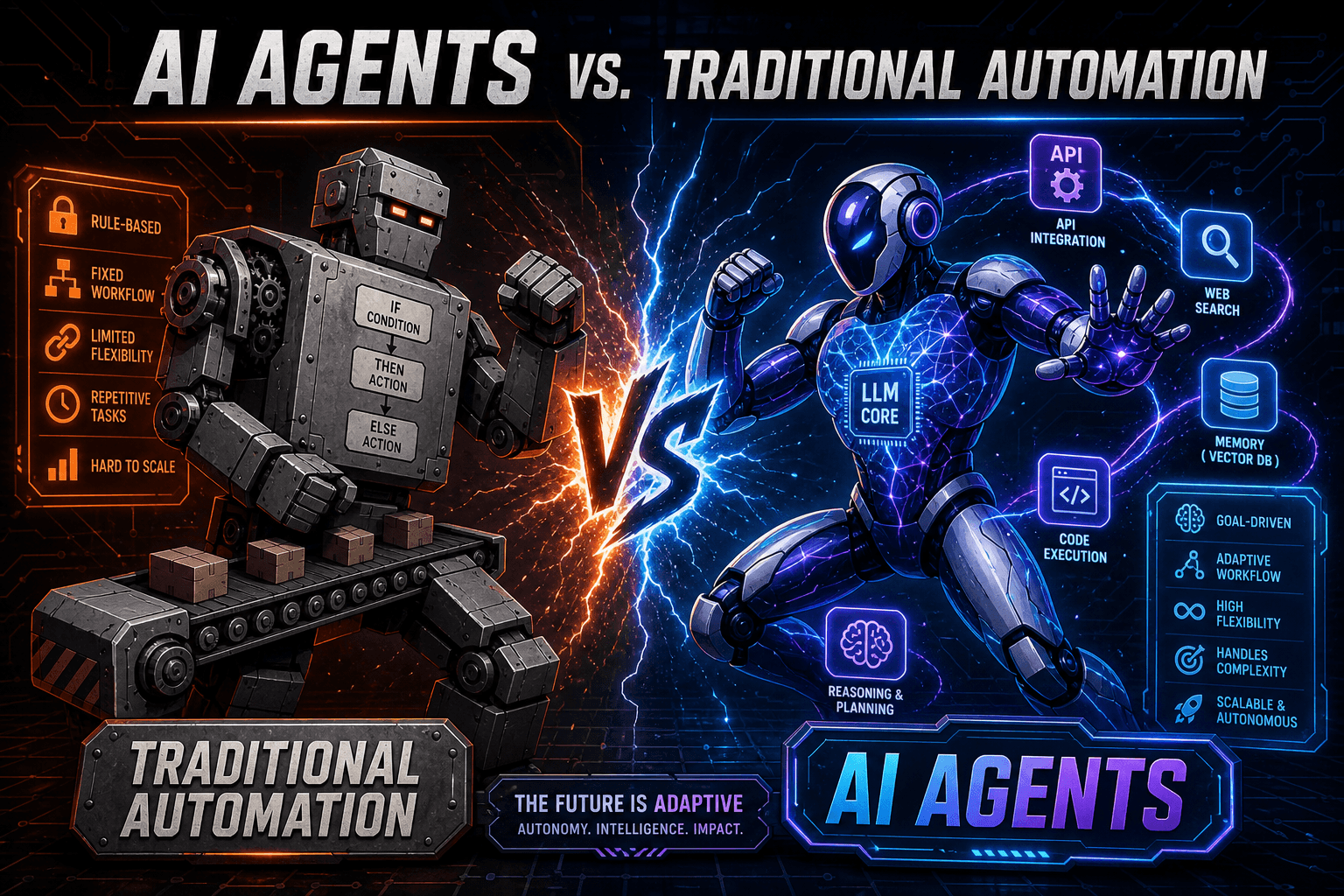
AI Agents vs. Traditional Automation: What's the Difference?
Automation follows rules. Agents make decisions. Here's how to know which one your business actually needs, and where they combine for maximum leverage.
Haseeb Tariq
Co-Founder